Recreate Someone on "Dollify" w/ Hattieq
Use the Dollify app with Hattieq to recreate a friend or family member with permission, practicing observation, color choices, and digital design skills.


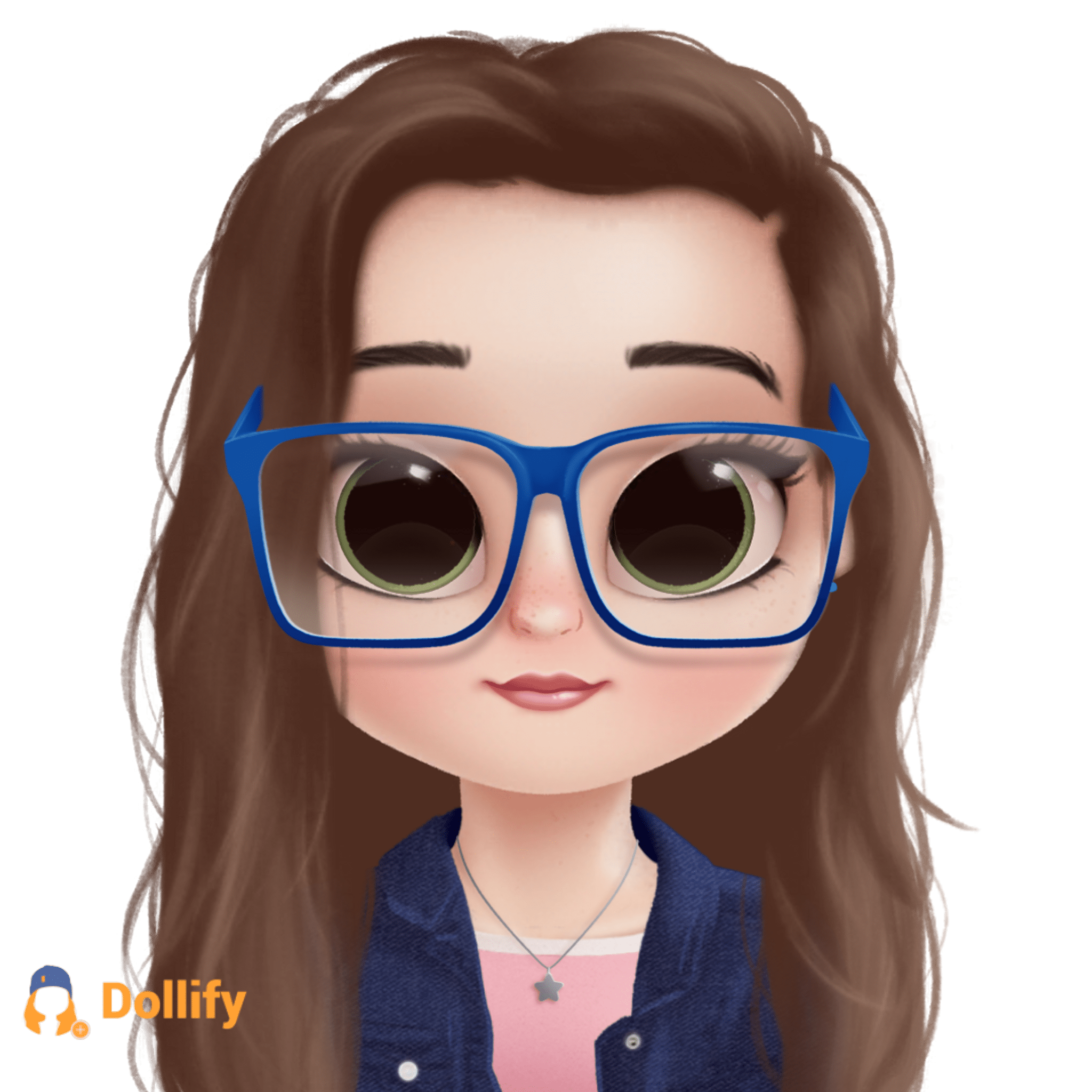

Step-by-step guide to recreate someone on Dollify with Hattieq
How Dolls Are Made | I Didn't Know That
Step 1
Ask the friend or family member for permission to recreate them in the Dollify app.
Step 2
Get a clear front-facing photo of the person or ask them to sit still so you can see their features.
Step 3
Open the Dollify app on your device.
Step 4
Start a new doll or character in the app.
Step 5
Look closely at the photo and choose the three most important features you want to match like hair eyes or outfit color.
Step 6
Select the skin tone that matches the person in the photo.
Step 7
Choose the hairstyle and hair color that look most like the person.
Step 8
Pick the eye shape and eye color that match the person.
Step 9
Choose the eyebrows nose and mouth that most resemble the person.
Step 10
Add clothing and accessories that match the person’s style.
Step 11
If you have Hattieq apply its style or preset to your doll according to Hattieq instructions.
Step 12
Inspect your doll closely and make one small tweak to improve how it looks.
Step 13
Save or export your finished doll inside the app.
Step 14
With the person’s permission and adult help if needed share your finished Dollify creation on DIY.org.
Help!?
What can we use if the Dollify app or Hattieq is unavailable?
If Dollify or Hattieq isn't available, use a similar avatar app like Avatoon or Bitmoji or hand-draw the doll using the clear front-facing photo as your reference and follow the same steps for choosing skin tone, hair, and outfit.
My friend kept moving so the photo is blurry; how can I still recreate them?
Retake a clear front-facing photo in good lighting and ask them to sit still or use burst mode or pause a short video to capture a still image you can use when selecting skin tone, hair, and facial features in Dollify.
How can I adapt this activity for different age groups?
For younger kids, have an adult or friend help pick the three most important features and tap options in Dollify, while older kids can use Hattieq presets, fine-tune brows/eyes, and make the one small tweak before exporting to DIY.org.
How can we personalize or extend our finished Dollify creation?
Personalize by adding matching accessories and outfit colors in Dollify, applying a Hattieq style or preset, then export the image to print on a card or post with a short story on DIY.org while keeping the original photo with permission for comparison.
Watch videos on how to recreate someone on Dollify with Hattieq
How to Draw Chucky Doll Easy 🎃Halloween Art
4 Videos
How to Draw Chucky Doll Easy 🎃Halloween Art
Magical Doll Hacks: Creative Ways to Repurpose and Transform Your Dolls 🧚♀️✨
How to Draw the Doll from Poppy Playtime Game
How to Draw Blume Dolls Easy | Cora
Facts about digital design for kids
🖼️ Avatars are digital portraits used in games, apps, and social media to represent people without a photo.
🎨 Color choices change how a face feels — warm hues often read as friendly while cool hues feel calm.
👀 Sharpening your observation helps you spot tiny details like eyebrow angle, freckle placement, or hair parting.
📱 Dollify became a viral, easy-to-use avatar app around 2017–2018 that inspired lots of stylized portraits.
🔒 Always ask permission before recreating someone's likeness — it's respectful and protects privacy.
How do I recreate someone using the Dollify app with Hattieq?
What materials do I need to recreate someone in Dollify with Hattieq?
What ages is this Dollify + Hattieq activity suitable for?
What are the benefits of recreating someone in Dollify using Hattieq?
